AI Coding Tools: Why I Stopped Picking Just One
· 8 min read
For about four months I kept asking myself the wrong question. Every time a new model dropped, or a friend switched editors, or a thread on X turned into a pile-on about which agent was "actually" the best, I'd go back to the same loop: which one AI coding tool should I commit to.
I never landed on an answer. I just quietly stopped asking the question, because somewhere in the middle of shipping Python automation scripts for a rural development programme and taking on freelance client builds on the side, I ended up running three tools at once without deciding to. Claude Code, Cursor, and Codex all have a place on my machine right now, and none of them are getting uninstalled.
This isn't a "best AI coding tool 2026" ranking. There are enough of those, and most of them are written by people comparing feature tables, not people who had to explain to a client why a fix took longer than expected. This is what actually running three tools looks like from a solo seat, what it costs, and where it's genuinely helped versus just added noise.
Why I Kept Looking for One Tool
The instinct to consolidate makes sense on paper. Fewer subscriptions, fewer context switches, one mental model for how the agent thinks. I spent a while trying to force everything through Claude Code alone, because it's the tool I reach for by default and the one I trust most with anything that touches a real codebase.
But the "pick one" framing assumes all coding tasks look the same, and they don't. Reviewing my own logic against a naming decision I've already convinced myself is fine is a different job than tracing why a report generation script silently drops rows on the 31st of a month. Writing a first draft of a component is a different job than deciding whether that component's edge cases actually hold up. I was trying to make one tool do jobs that have different failure modes, and I kept hitting the same wall: the tool that's fast at generating isn't always the one that catches its own mistakes.
What I Actually Run Now
Here's the honest breakdown, not the idealized one.
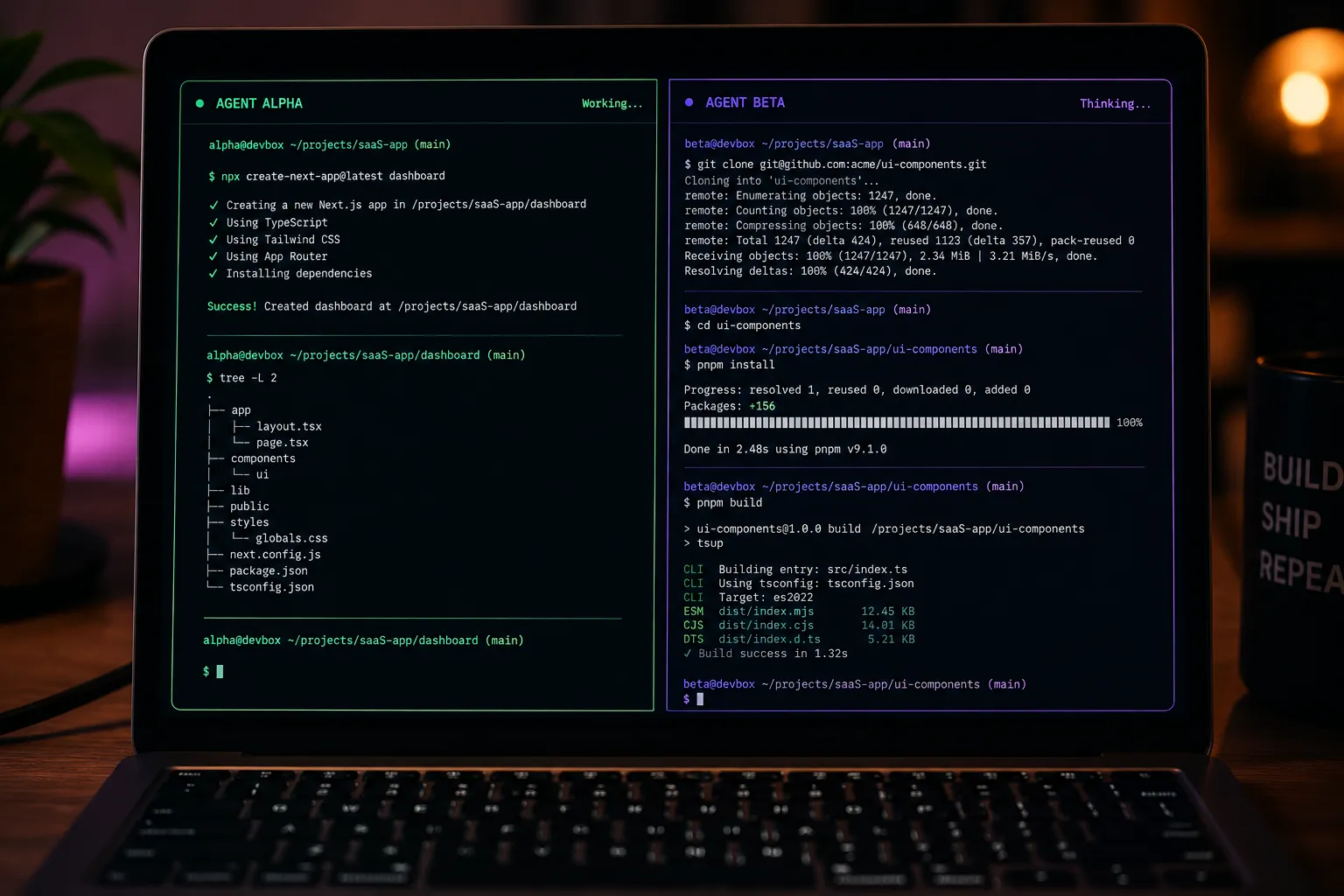
Claude Code is where almost everything starts. If I'm working through the automation scripts I maintain for programme reporting — the ones that pull data across 16-plus components and used to eat a full day of manual cross-checking — Claude Code is what I open first. It holds context on a messy, real codebase better than anything else I've used, and for anything that requires understanding why a script was written a certain way before changing it, it's the one I trust not to bulldoze past something important.
Cursor is where I go when I want to stay inside an editor and make small, visible corrections without breaking flow. I'm not using its inline completion much — most of the thinking already happened in Claude Code before I touch the keyboard — but having a real editor pane open next to the terminal agent means I can eyeball a diff and nudge something manually in ten seconds instead of writing a prompt to describe a one-line change.
Codex is my second opinion. When Claude Code tells me a fix is done, I've learned not to take that at face value on anything with real consequences — a payment flow for a client, an auth check, anything touching real user data. Handing the same piece of code to a model that didn't write it and wasn't in the room for the original reasoning catches a different class of problem. It's not that Claude Code is unreliable. It's that any single model reviewing its own work has blind spots, the same way a developer proofreading their own pull request misses things a second reviewer catches instantly.
None of this was planned. It's what happened when I stopped trying to force one tool to be good at everything.
What This Actually Costs
This is the part the orchestration-layer articles skip, because they're usually written for teams with a budget line item, not a solo developer paying out of pocket.
| Tool | What I pay for | Monthly cost |
|---|---|---|
| Claude Code | Max tier, for the context window and priority on harder reasoning tasks | ~$100 |
| Cursor | Pro tier, mostly for the editor pane and occasional inline edits | ~$20 |
| Codex | Usage-based, only spun up for review passes on higher-stakes changes | Variable, usually $10–20 |
That's somewhere around $130–140 a month, which is not nothing when you're freelancing and every subscription is a direct subtraction from what actually lands in your account. I don't think that math works for everyone, and I don't think it should. If you're doing mostly CRUD apps and internal tooling with low consequence for a missed edge case, a single solid daily driver is genuinely the more rational choice, and adding a review layer is paying for insurance you may not need yet.
The math started making sense for me specifically because of the kind of work I take on — freelance client builds where a bug in an auth flow or a payment integration isn't just an inconvenience, it's a relationship with a client I want to keep. The cost of the second opinion is smaller than the cost of shipping something broken to someone paying me to get it right.
Where the Multi-Tool Setup Has Actually Helped
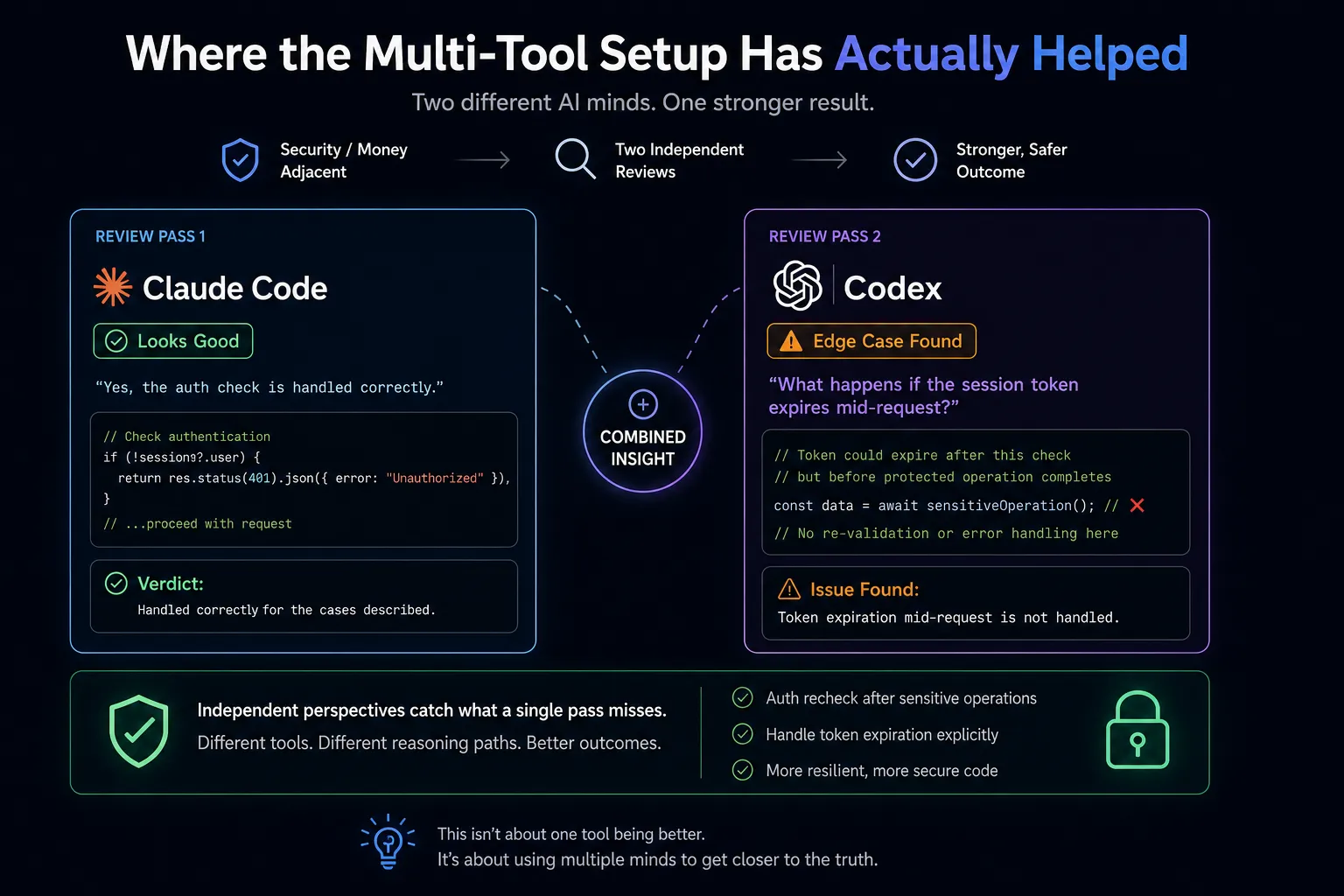
The clearest win has been on anything security- or money-adjacent. I had a case where Claude Code confidently told me an auth check was handled correctly, and it was — for the case I'd described. Codex, coming at the same code cold, asked what happened if the session token expired mid-request. It hadn't been handled. That's not a knock on Claude Code's reasoning; it's what happens when the same mind reviews its own output. A second, independently-reasoning pass genuinely catches things.
The second win is smaller but adds up: having Cursor's editor pane open means I stop writing paragraph-long prompts for one-character fixes. Some corrections are just faster with your own hands on the keyboard, and pretending otherwise for the sake of "staying in the agentic workflow" was slowing me down, not speeding me up.
Where It's Wasted My Time
I'd be lying if I said this was all upside. The biggest cost isn't the subscriptions — it's context. Every time I move a problem from Claude Code to Codex, I have to re-explain what I'm actually trying to verify, because the second tool doesn't share memory with the first. On a bad day that re-explaining takes longer than the bug would have taken to just find myself.
There's also a real temptation to use the second tool as a crutch instead of a check. Early on I caught myself skimming Claude Code's output faster than I should have, because I knew Codex was going to look at it anyway. That's backwards. The review layer is supposed to catch what careful reading misses, not replace careful reading.
And honestly, for a good chunk of what I build — internal scripts, low-stakes UI work, first drafts of anything — running it through a second tool is pure overhead. I don't do it. The three-tool setup only earns its cost on the subset of work where being wrong is expensive.
A Simple Framework for Deciding When to Add a Second Tool
If you're trying to figure out whether this is worth it for you, the question I'd actually ask isn't "which AI coding tool is best." It's: what's the actual cost of this specific task being wrong, and does that cost justify a second pass?
For internal tooling, prototypes, and anything you can fix in five minutes if it breaks, one solid daily driver is enough. Don't add complexity you don't need yet — I made that mistake for a while, running a review pass on scripts nobody but me would ever see.
For anything touching real user data, payments, or a client relationship you care about, the math changes. A second, independent review is cheap insurance against the kind of mistake that costs you a lot more than $20 a month to clean up.
see more Tech & Developer Life posts
Where I Landed
I stopped looking for the one tool because the question was never really about tools. It was about matching the shape of a task to the shape of the risk if I get it wrong. Some days that's Claude Code alone. Some days it's all three, in sequence, because the code is going somewhere that actually matters. If you've read my earlier breakdown of picking AI coding agents as a solo developer, this is the natural next step past "which one" — it's "which one, for this, right now."
I don't think this setup is permanent. The tools keep changing shape faster than any framework I write down will stay accurate, which is honestly the same lesson I took away from choosing tools after Gemini CLI shut down — hold your workflow loosely, because the ground under it moves every few months.
FAQ
Frequently asked questions
Can you use Claude Code and Cursor together?
Yes — many developers run Claude Code in the terminal for reasoning and multi-file edits while keeping Cursor's editor open for quick manual corrections and visual review of diffs. They don't share context automatically, so you're the one bridging what each tool knows.
Is it worth paying for multiple AI coding tools as a solo developer?
It depends on what's at stake in your work. If a mistake is low-cost to fix, one solid daily-driver tool is usually enough. If you're working on anything involving real user data, payments, or client relationships you want to protect, a second tool used specifically as an independent review layer can be worth the extra $20–100 a month.
Do Claude Code and Codex do the same thing?
They can be used for similar tasks, but in practice they're often used differently — Claude Code for deep, contextual reasoning across a large codebase, and Codex as a second opinion that reviews code it didn't write, which tends to catch different classes of mistakes than having the same model check its own work.
Which AI coding tool should a solo developer use in 2026?
There's no single correct answer, because it depends on the type of work and how much a mistake would cost you. Start with one tool you trust for daily driving, and only add a second — for editor-level corrections or independent code review — once you notice a specific, repeated gap it would solve.
Written by Jenarius Ganlary
Full-stack developer and MIS & Data Analyst, building CreatorBit and freelancing through Ganlary Labs. Writing about SaaS, AI, and startups as it happens.
More about me →KEEP READING