Vibe Coding Doesn't Skip the Fundamentals
· 7 min read
A client sent me a message a few months back: "the app works, but something feels off with the login." Not a stack trace. Not a specific bug report. Just a feeling that something was wrong, coming from someone who'd built most of the app themselves by prompting an AI tool. When I opened the codebase, the issue took about four minutes to find. It would have taken them a lot longer than four minutes to even know what they were looking for, because they didn't know what a session token was, let alone why one showing up in a client-side console log was a problem.
That's the story I keep coming back to whenever someone tells me vibe coding means you don't need to learn the fundamentals anymore. The tool got them 90% of the way to a working app. It's the other 10% — the part where something is subtly wrong and you have to actually understand what's happening — that fundamentals are still doing all the work.
What "vibe coding" actually removed, and what it didn't
Vibe coding, the term Andrej Karpathy popularized, describes building software by describing what you want in plain language and letting an AI model translate that into working code. What it removed is real: you don't need to remember exact syntax, you don't need to type out boilerplate, and you can get a working prototype in an afternoon that used to take a week.
What it didn't remove is the need to understand what the generated code is actually doing once it stops being a demo and starts being something real people depend on. Those are two different skills, and vibe coding only replaces one of them.
I've done freelance client work building SaaS MVPs and small business tools for a few years now, and the clients who use AI coding tools well are almost always the ones who already understand roughly how a web app works — what a database query does, why an API needs authentication, what happens when a request fails. The clients who struggle are the ones treating the AI like a vending machine: describe the app, get the app, ship the app.
The debugging problem nobody mentions until it happens to them
Here's a specific, common scenario. Someone vibe codes a form that saves user data to a database. It works in testing. Two weeks later, a user reports that submitting the form twice quickly creates two duplicate records, and occasionally the app just hangs.
To someone without fundamentals, this looks like the AI "got confused." To someone who understands what's happening, this is an obviously recognizable race condition — two requests hitting the database before the first one finishes writing, with no lock or unique constraint to catch it. The fix isn't complicated once you know what you're looking at:
-- Without this, nothing stops two submissions
-- from creating duplicate rows
ALTER TABLE form_submissions
ADD CONSTRAINT unique_submission UNIQUE (user_id, form_type);
The AI can write that line perfectly well once you ask for it. What it usually won't do on its own is recognize that this specific bug is a race condition in the first place, especially when the bug report is vague and the failure isn't consistent. That recognition step — pattern-matching a vague symptom to a known category of problem — is exactly what fundamentals give you. Without them, you're stuck re-describing the symptom to the AI in slightly different words and hoping it stumbles onto the right diagnosis.
Security is where "I don't need to know code" gets expensive
This is the part of the vibe coding conversation that gets treated as a footnote and shouldn't be. Independent research on AI-generated code has repeatedly found meaningful rates of security vulnerabilities across common languages, and the pattern isn't random — it clusters around a specific type of mistake: the AI solves the problem you described, and security was never part of what you described.
In practice, this shows up as things like:
- API keys or database credentials hardcoded directly into client-facing code, because the fastest working version of a feature often looks like that first
- Authentication checks that exist on the frontend but not on the backend, so the login screen looks secure while the actual API endpoint isn't
- Database queries built by string-concatenating user input, which is a textbook SQL injection risk that's been a known problem since long before AI wrote any code
- Dependencies pulled in by name that sound right but were suggested with more confidence than accuracy — a real and growing problem now that attackers actively register fake packages with plausible-sounding names, hoping an AI recommends them and someone installs without checking
None of these are exotic. They're the same mistakes junior developers have made for two decades. The difference is that a junior developer usually has a senior developer reviewing their pull request. Someone vibe coding solo, with no security background, often has no reviewer at all — just the AI, which will confidently generate the version of the code that works, not necessarily the version that's safe.
I've been asked to review a freelance client's app before it went live specifically because they knew enough to know they didn't know enough. That instinct — recognizing the edge of your own knowledge — is itself a form of fundamentals. The riskiest position isn't "I don't know how to code." It's "I don't know how to code, and I don't know that I should be worried about that."
What I actually check when reviewing vibe-coded work
When a client asks me to look over something they built, I'm not reading every line. I'm checking a short list of things that tend to be where the real risk lives:
- Where credentials live. Anything that looks like an API key, secret, or connection string should never be sitting in code that ships to the browser.
- Where authorization actually happens. A check that only exists in the UI isn't a check — the real gate has to be on the server or database side.
- What happens on the unhappy path. What does the app do when a request fails, times out, or gets malformed input? Vibe-coded apps are usually fine on the happy path and untested everywhere else.
- Which dependencies got pulled in, and why. If a package name doesn't ring a bell and has a suspiciously small download count, that's worth five minutes of checking before it's worth installing.
- Whether the code is something a person could pick up later. Not for style reasons — because unreadable code is code nobody will safely modify once the person who prompted it moves on.
None of this requires being a senior engineer. It requires knowing what questions to ask, which is a different and more approachable skill than knowing how to write everything from scratch.
So do you need to learn to code before you vibe code?
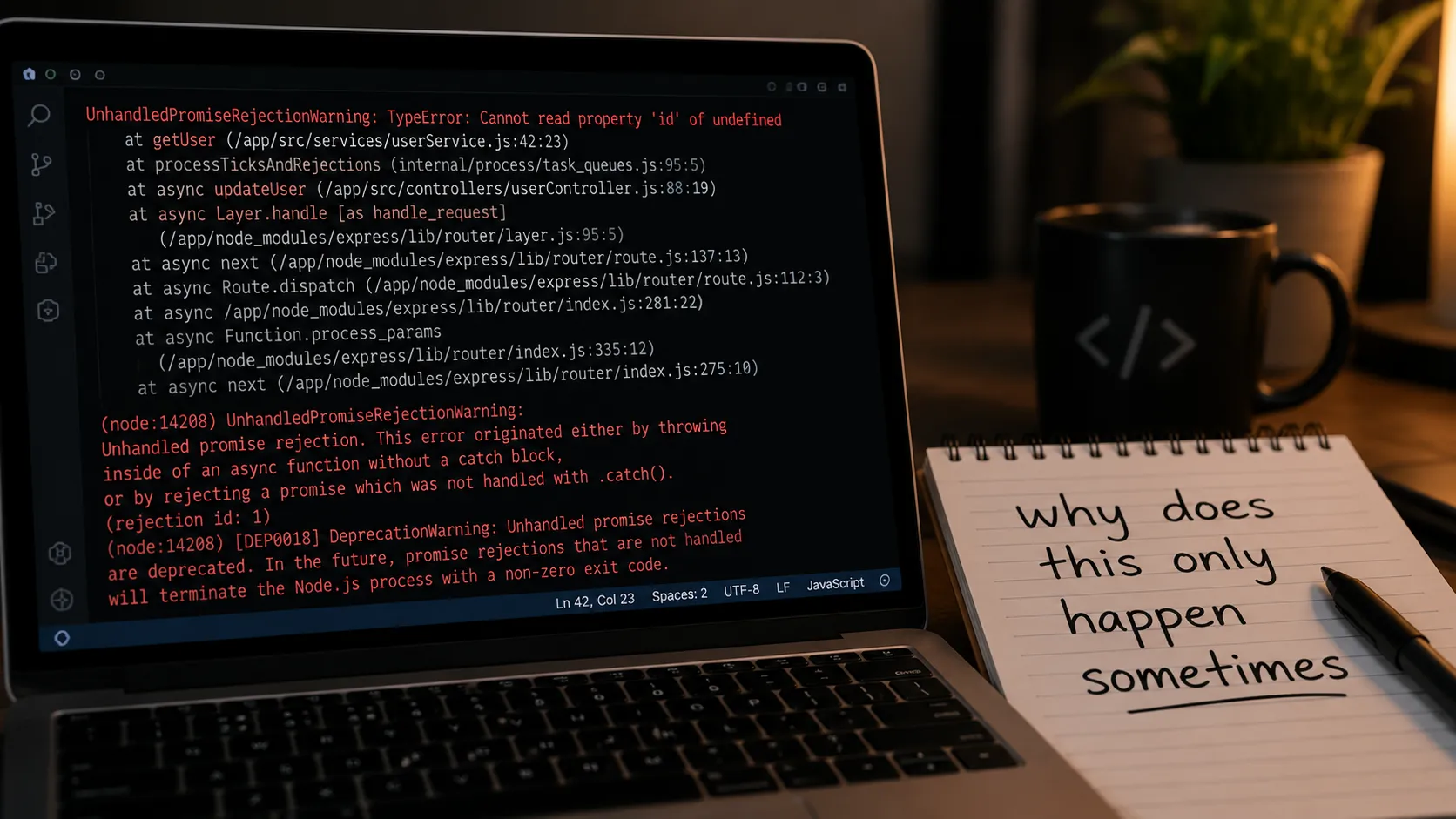
Not necessarily before. But you need to be learning it during, and you need to be honest about what you don't understand yet rather than assuming the AI has it covered. The version of "learning fundamentals" that actually helps here isn't a full computer science degree — it's closer to knowing enough to read an error message, understand roughly what a piece of generated code is doing before you run it, and recognize the handful of security patterns above well enough to ask your AI tool "does this handle authentication server-side?" instead of just assuming it does.
The people getting the most out of AI coding tools right now aren't the ones who skipped fundamentals. They're the ones using the tool to move faster through work they could, in a pinch, still slog through by hand. That gap between "could debug this myself, slowly" and "let the AI do it, quickly" is where vibe coding is genuinely great. The gap between "have no idea what's wrong" and "have no idea what's wrong, and neither do I know what to ask" is where it quietly gets dangerous.
If you're deciding which AI coding tool fits how you actually work, AI Coding Agents for Solo Developers goes into how I evaluate that. And if the agentic-versus-autocomplete distinction is part of what's confusing here, Agentic AI vs. Copilots in 2026 breaks down what these tools are actually doing differently. For more like this, see more Tech & Developer Life posts.
FAQ
Frequently asked questions
Do you need to know how to code to vibe code?
Not to get started, but you need to be actively learning the fundamentals as you go, because vibe coding only removes the need to write syntax by hand. It doesn't remove the need to understand what the generated code does, recognize when something is wrong, or catch security issues before they ship.
Is vibe coding a security risk?
Yes, in specific and well-documented ways. AI-generated code frequently includes issues like hardcoded credentials, authentication checks that only exist on the frontend, and unsafe handling of user input, largely because the person prompting it didn't ask for security explicitly and the AI optimized for a working feature instead.
Can non-programmers safely vibe code an app?
For low-stakes projects with no sensitive data and no real users depending on them, yes, with reasonable caution. For anything handling user accounts, payments, or personal data, non-programmers should have someone with development experience review the code before it goes live, since they often can't recognize the specific risks themselves.
Why does AI-generated code have so many bugs?
AI models generate the code that best matches the problem you described, and security or edge-case handling is rarely part of that description unless you explicitly ask for it. The result is code that works on the happy path but hasn't been checked against the failure cases and security concerns a more experienced developer would think to test for.
Written by Jenarius Ganlary
Full-stack developer and MIS & Data Analyst, building CreatorBit and freelancing through Ganlary Labs. Writing about SaaS, AI, and startups as it happens.
More about me →KEEP READING